
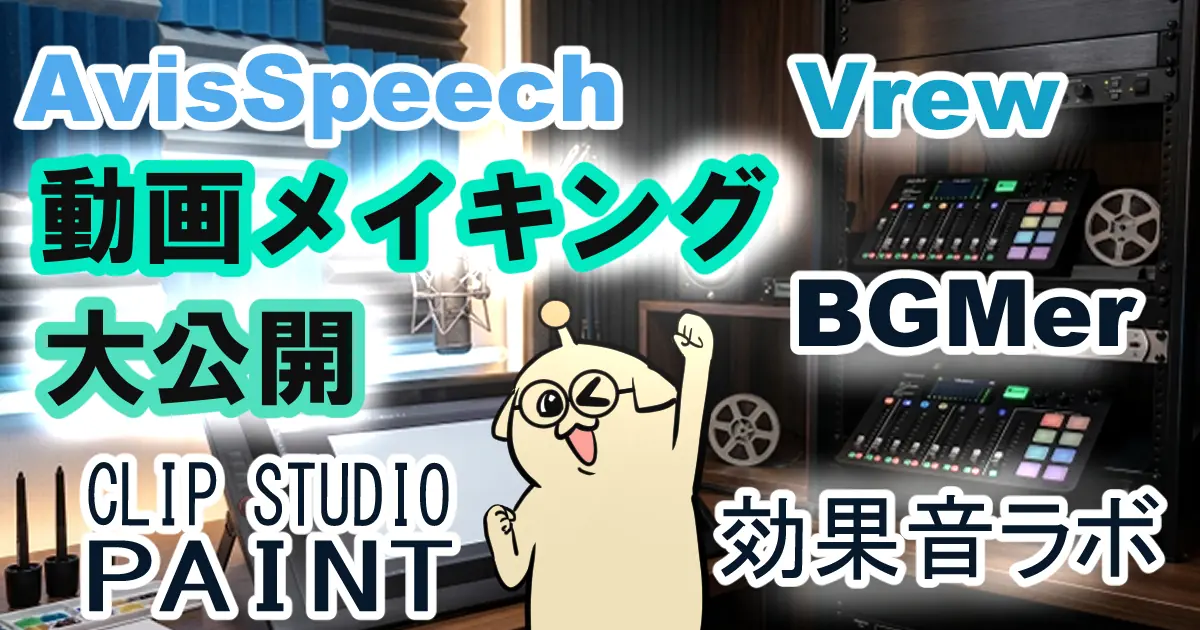
5分動画を作るのに2日!?個人クリエイターの動画制作メイキング
皆さん、こんにちは!モルダモルキです。
YouTubeにアップした4本目の動画をご紹介します。
まだ過去の動画をご覧になっていない方はこちらの記事をご覧ください👉 https://fukabori-colors.com/low-flying-creator-dream/
動画をどのように作っているのかを実際の画面を映しながら、どのツールを使っているのかを説明したメイキング動画を作りました。
動画では実際の画面のシーンは倍速再生しています。この動画を見ればおおまかな動画制作の流れを掴めると思いますので、動画制作をやってみたい方はぜひご覧ください。こちらがその動画です♪📺 https://youtu.be/avftDT6ylZQ
まだまだスタートしたばかりのYouTube活動で、手探り状態で動画を作っていますが、楽しみながらちょこちょこ続けていこうと思います😁
実はこの4本目は動画で紹介していなかったDaVinci Resolveという動画制作ソフトを使って動画を作りました。
Vrewは非常に使いやすく、音声からテロップを作ったり、動画を手軽に編集したりできる便利なソフトです。一方で、映像を細かくタイミング調整しながら編集する場面では、DaVinci Resolveのようなタイムライン編集ソフトの方が向いているため、4本目の動画ではDaVinci Resolveを使用しました。ソフトによって設計思想や得意分野が異なるため、用途に応じて使い分ながら動画を制作しています。
まだDaVinci Resolveの使い方をジェミニAIに教わりながら学習している最中です。今後も解説動画を出す可能性がありますので、使い方をマスターしていきたいと思っています。
動画でもご紹介しましたが、このシーンにこういう画像や動きがあったら面白い、効果音はこれを使おう、このシーンに合うBGMはこれだなど、こだわろうと思えばいくらでもこだわれると思いますので、本当に5分の動画を作るのに数日かかっています。ちょっと遅いかもしれませんが、これからもこだわりが詰まった動画を作っていこうと思います。
こちらが動画で使ったイラストです♪🖼️

ハテなの人

考えるフカミちゃん

両手を広げて説明する猫田さん

困るAIに笑うモルキ

ヘロヘロ~ モルキ
It Took Me Two Days to Make a 5-Minute Video!? – Behind the Scenes of an Indie Creator's Workflow
Hello everyone! I'm Molda Molki.
Today I'd like to introduce the fourth video I uploaded to YouTube.
If you haven't seen my previous videos yet, you can start here👉 https://fukabori-colors.com/low-flying-creator-dream/
In this video, I show my actual editing process on screen and explain the tools I use to create my videos.
The editing scenes are shown in fast-forward, so you'll be able to get a general idea of my workflow. If you're interested in making videos yourself, I hope you'll find it helpful! You can watch it here: 📺 https://youtu.be/avftDT6ylZQ
I'm still at the very beginning of my YouTube journey, so I'm learning through trial and error. I hope to keep creating videos while enjoying the process, little by little. 😁
Actually, this fourth video was edited using DaVinci Resolve, a video editing program that I hadn't introduced in my earlier videos.
Vrew is a very user-friendly tool that makes tasks like generating subtitles from voice recordings and creating videos much easier. On the other hand, for scenes that require precise timing adjustments between video clips, images, and on-screen text, I found a timeline-based editor like DaVinci Resolve to be a better fit. Since each program is designed with different strengths and workflows in mind, I choose the one that best suits each part of the production process.
I'm still learning how to use DaVinci Resolve with help from Gemini AI, so I still have a lot to learn. Since I may make more tutorial videos in the future, I'd like to master it.
As I mentioned in the video, once you start thinking,
"This scene would be funnier with a different image."
"This sound effect would fit perfectly here."
"This background music would create a better atmosphere."
...there's almost no limit to how much time you can spend polishing a video.
That's why even a five-minute video can take me one or two full days to complete. It may not be the fastest workflow, but I'd like to keep creating videos with care and attention to detail.
Here are some of the illustrations that appeared in this video! 🖼️
The "Hmm...?" Person
Fukami-chan Thinking
Nekota Explaining with Open Arms
Confused AI and Laughing Molki
Exhausted Molki


コメント